

Guides
Prompt caching
Save money when you send the same long content again and again: where cache usage shows up, how it is charged, and how each protocol asks for it.
Many apps start every request with the same large block of content: a long system prompt, the same document, or the history of a multi-turn conversation. Prompt caching is a feature offered by model vendors: if that opening part is identical to a recent request, the vendor can reuse its earlier processing. That is faster, and the cached part of the input is usually billed at a lower price.
Caching is done by the model vendor. Whether a request hits the cache and what conditions apply (such as a minimum length or how long entries are kept) follow the vendor’s rules. NoviaHub passes the cache-related fields in your request to the model and charges for the cache usage the vendor reports.
Where to see cache usage and prices
Section titled “Where to see cache usage and prices”- Prices: in the model’s details on Models & Pricing, the price table has a Cache column split into Read and Write (some models split writes into Write (5m) and Write (1h)), and there is also a Cache hit rate.
- Usage per call: in Usage logs:
- the Tokens column shows cache reads and writes;
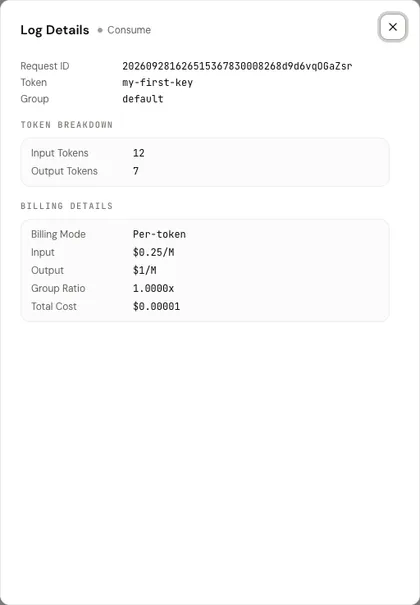
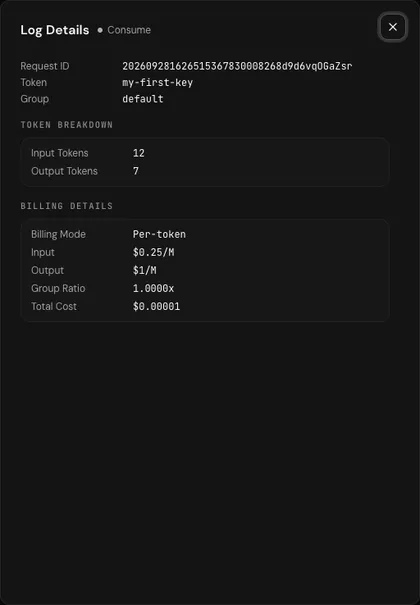
- in the details, Token Breakdown lists Cache Read and Cache Write;
- Billing Details shows the matching prices.
How it is charged
Section titled “How it is charged”- Cache reads: input tokens that hit the cache are charged at the Read price instead of the normal input price.
- Cache writes: tokens written into the cache are charged at the Write price. Some models (such as Claude) have two tiers by how long the cache is kept: 5 minutes and 1 hour.
- All other input tokens, which didn’t hit the cache, are charged at the normal input price.
For the full picture, see Billing.
How each protocol asks for it
Section titled “How each protocol asks for it”Anthropic Messages (Claude models): Claude needs you to mark where caching should stop with cache_control. Through NoviaHub’s /v1/messages endpoint, cache_control on system and on message content blocks is passed to the model unchanged.
{ "model": "claude-sonnet-5", "max_tokens": 1024, "system": [ {"type": "text", "text": "(a very long system prompt)", "cache_control": {"type": "ephemeral"}} ], "messages": [{"role": "user", "content": "Hello"}]}OpenAI-compatible endpoints: caching at OpenAI and similar vendors is usually automatic and needs no markers. Chat Completions and Responses requests can both carry prompt_cache_key and prompt_cache_retention; when you call a model through its own protocol, NoviaHub passes them to the model. What these fields do is defined by the vendor’s documentation.
Getting more cache hits
Section titled “Getting more cache hits”- Put content that doesn’t change first (system prompt, documents, tool definitions) and content that changes (the user’s current question) last. The cache matches an identical opening; one different character early on means nothing after it can be reused.
- Don’t leave long gaps between requests: once the cache expires, it has to be written again.